
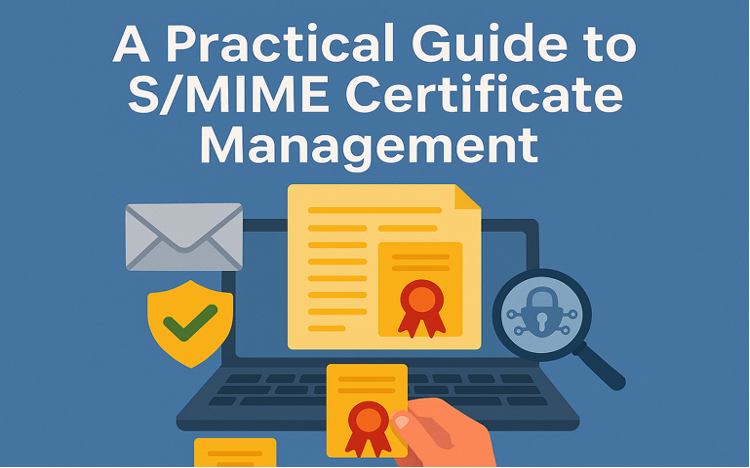
In today’s digital world, securing email communication is essential to protect sensitive data and build trust. One effective way to achieve this is through S/MIME (Secure/Multipurpose Internet Mail Extensions) certificates, which encrypt messages and verify sender identity using digital signatures.
This guide covers the key concepts and best practices for managing S/MIME certificates effectively—whether you’re an individual, small business, or enterprise.
What Is an S/MIME Certificate?
S/MIME is a protocol that adds encryption and digital signature capabilities to your email. It ensures your messages are protected from tampering and only accessible to the intended recipient.
With S/MIME:
- Emails are encrypted using the recipient’s public key.
- Messages are digitally signed using the sender’s private key.
- Recipients can verify authenticity and trust the message source.
Benefits of Using S/MIME

- Data Confidentiality
S/MIME encrypts email content and attachments, making them unreadable to unauthorized users. Only the recipient with the correct private key can access the message.
- Digital Signature Verification
The sender’s private key is used to sign the message. The recipient uses the sender’s public key to verify that the message hasn’t been altered.
- Non-Repudiation
The digital signature links the sender to the email, making it legally valid and harder to deny sending it.
How S/MIME Enhances Email Security

S/MIME certificates use a pair of cryptographic keys (public and private) to:
- Encrypt email content
- Confirm the sender’s identity
- Preserve message integrity
Whether you are an individual or a business, using S/MIME strengthens protection against phishing, spoofing, and unauthorized access.
The Role of Certificate Authorities (CAs)

CAs are trusted organizations responsible for:
-
Issuing Certificates
After verifying the applicant’s identity, the CA creates a certificate with a public key and delivers it securely to the user.
-
Identity Validation
Before issuing a certificate, the CA confirms the identity of individuals or organizations through legal documentation and multi-step verification.
-
Certificate Lifecycle Management
- Revocation: If a certificate is compromised or no longer valid, it is revoked and listed in a Certificate Revocation List (CRL).
- Renewal: Certificates typically expire in 1–2 years and must be renewed with revalidation of identity.
CAs also support OCSP (Online Certificate Status Protocol) for real-time certificate status checks.
Compatibility and Support
When choosing a Certificate Authority, consider the following:

- Compatibility with major email clients (e.g., Microsoft Outlook, Apple Mail, Thunderbird)
- Cross-platform support (Windows, macOS, mobile devices)
- Tools for certificate management (issue, revoke, renew)
- Support availability and SLA (Service Level Agreement) terms, including issuance time and incident response
Conclusion
Managing S/MIME certificates is essential for secure and reliable email communication. With the right Certificate Authority and proper implementation, you can safeguard sensitive data, build trust, and prevent cybersecurity threats.
Investing in S/MIME isn’t just about compliance—it’s about protecting your digital identity and your business. Need help setting up S/MIME for your organization? Let us know and meet us in https://globalsign.sslmalaysia.com we’re here to guide you step by step.